Session 1: Introduction to PictoBlox
What is the program?
A program is a set of commands that a computer follows to complete a task.
Let’s take an example: Getting Dressed.
To get dressed, you follow a particular sequence of steps, like the one given below:
- Firstly, we take off the pajamas.

- Next, Take off the undergarments from the previous day.
- Then, Wear a fresh pair of undergarments.

- Now, time to Put on the school uniform.
- Next, Wear accessories such as a belt, tie, and ID card.
- Finally, Wear socks and shoes.

Here, as you can see, you followed a set of instructions to complete a task, which is getting dressed.
Similarly, you must write the program in a particular order so that the computer does the task given to it correctly, and we get the result that we expect.
PictoBlox – Your Perfect Programming Partner
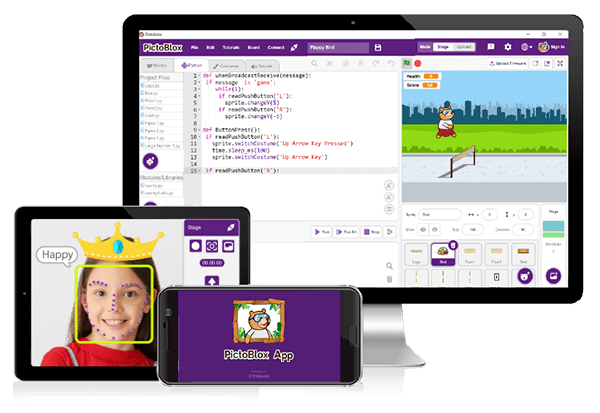
PictoBlox is a graphical programming software and it is the ideal companion for setting the first step into the world of programming.
PictoBlox Interface
Now that you have PictoBlox installed on your desktop, let’s take you on a tour around it!
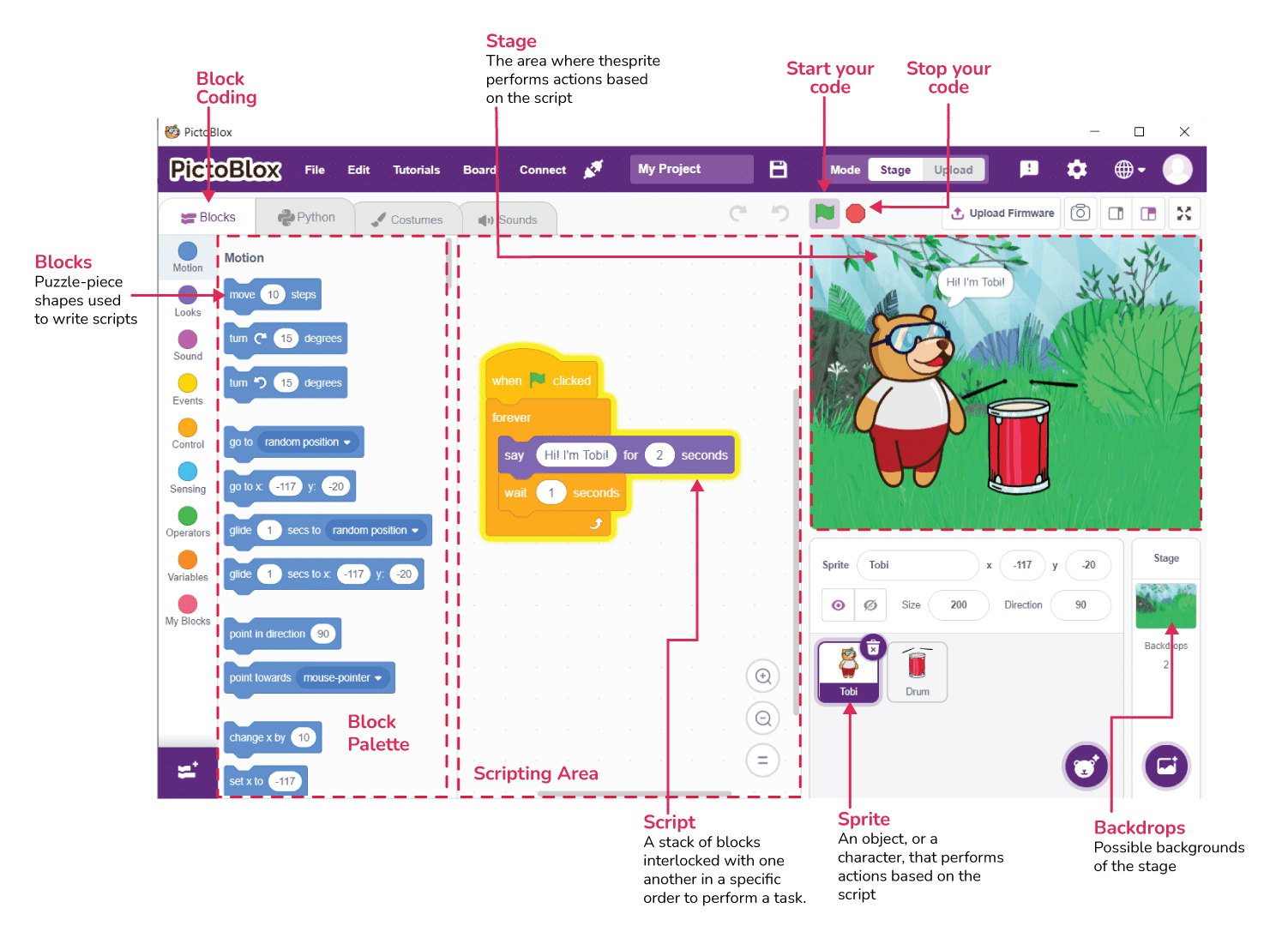
- Stage- The stage is a background or a backdrop for your PictoBlox projects (the programs you’ll create).
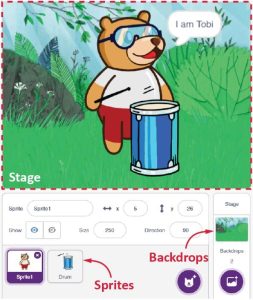
- Blocks – It is like jigsaw puzzle pieces that fit into each other.

- Sprite – It is an object or a character that performs different actions in the projects.

Ready for some action? Let’s make a small script. In this session, we will create our mini zoo by using the PictoBlox software.